Android SMS Gateway: Use Your Phone for Business SMS
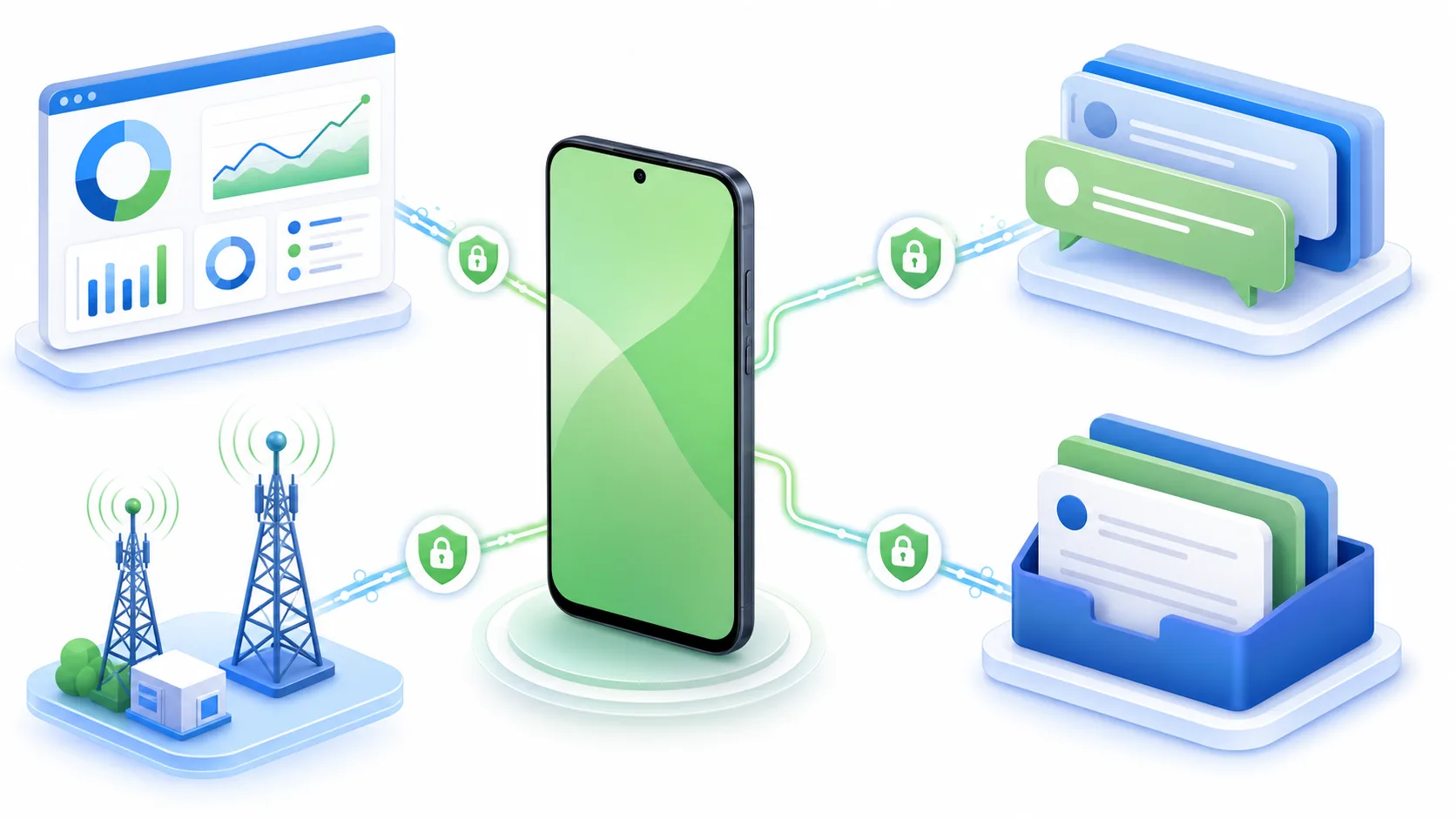
An Android SMS gateway turns an Android phone, SIM card, and mobile network into a practical channel for sending and receiving business SMS. Applications can send requests to the gateway, the phone sends messages through its SIM, and incoming replies can be forwarded to business software.
What is an Android SMS gateway?
An Android SMS gateway connects an Android phone to an application or business system through an API, webhook, or dashboard. It can send SMS, receive replies, track message status, and route conversations to a CRM, help desk, inbox, or internal application.
How it works
- Your software creates a message request.
- The request reaches the Android gateway.
- The gateway places it in a sending queue.
- The phone sends the SMS through its SIM and mobile network.
- The gateway records the result and can send a status callback.
- Incoming replies can be forwarded to your application or shared inbox.
Submitted, accepted, sent, and delivered are different message states. Businesses should keep logs, monitor failures, and provide another contact method for important notifications.
Business benefits
Android gateways let businesses use a local SIM and mobile network, automate appointment reminders, order updates, alerts, verification codes, and two-way customer communication. They can connect to websites, CRMs, appointment systems, stores, and internal applications using REST APIs and webhooks.
Features to compare
Evaluate API authentication, incoming SMS support, status callbacks, multipart messages, multiple SIMs and devices, HTTPS, encryption, access logs, queue controls, scheduling, retries, duplicate prevention, templates, blacklists, and delivery reports.
Open-source and free options
Open-source projects such as the capcom Android SMS gateway may provide code access, self-hosting, API sending, incoming webhooks, and multiple-device support. However, teams remain responsible for installation, security, maintenance, backups, monitoring, and compliance. Free software does not eliminate costs for phones, SIMs, mobile plans, servers, or message traffic.
Android phone versus cloud SMS API
An Android gateway is often suitable for local notifications, prototypes, small teams, and device-linked workflows. Cloud SMS APIs are generally easier to scale for high-volume or international messaging and require less device maintenance. The right choice depends on volume, countries, number ownership, compliance, uptime, and operational capacity.
Setup checklist
- Choose a dedicated Android phone and suitable SIM.
- Install the gateway app from an official source.
- Disable battery restrictions that could stop background operation.
- Secure the API with strong credentials and HTTPS.
- Connect your application and test with a number you control.
- Configure incoming SMS webhooks and validate signatures.
- Use a queue, retries, deduplication, and failure monitoring.
- Test long messages, invalid numbers, replies, restarts, lost connections, and failed webhooks.
Marketing and compliance
SMS marketing should use permission-based contacts, clear sender identification, appropriate frequency, opt-out handling, and a blacklist for unsubscribed recipients. Transactional notifications and promotional campaigns should be separated. An SMS gateway provides delivery infrastructure but does not automatically make a marketing program compliant.
Common uses
- Appointment confirmations and reminders
- Order and delivery notifications
- OTP verification codes
- Service and maintenance alerts
- Two-way customer support
- Internal operational alerts
For broader messaging operations, RCSZilla combines Android SMS devices with APIs, campaigns, automations, templates, reports, sender IDs, email servers, queues, and a two-way inbox.